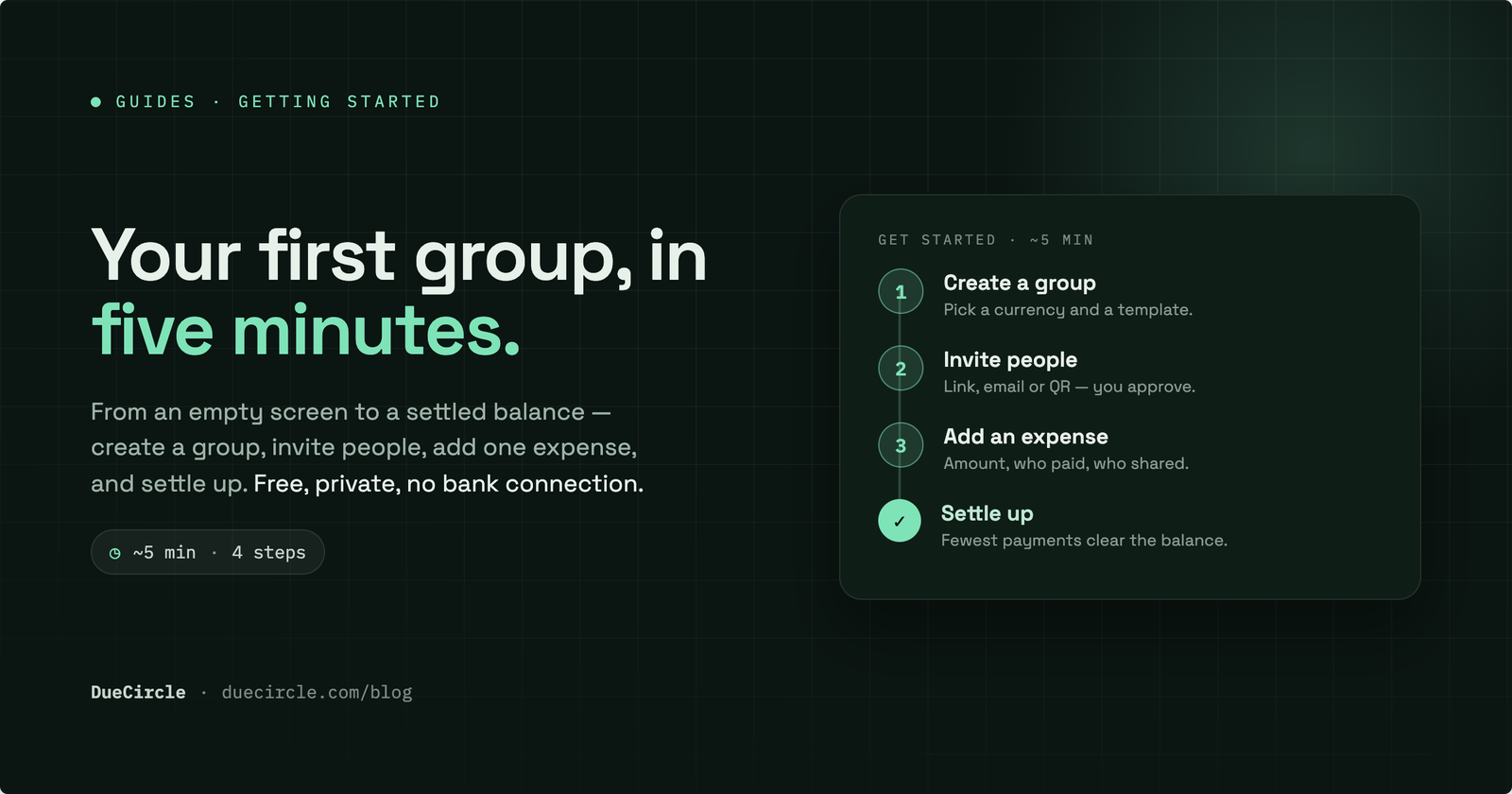
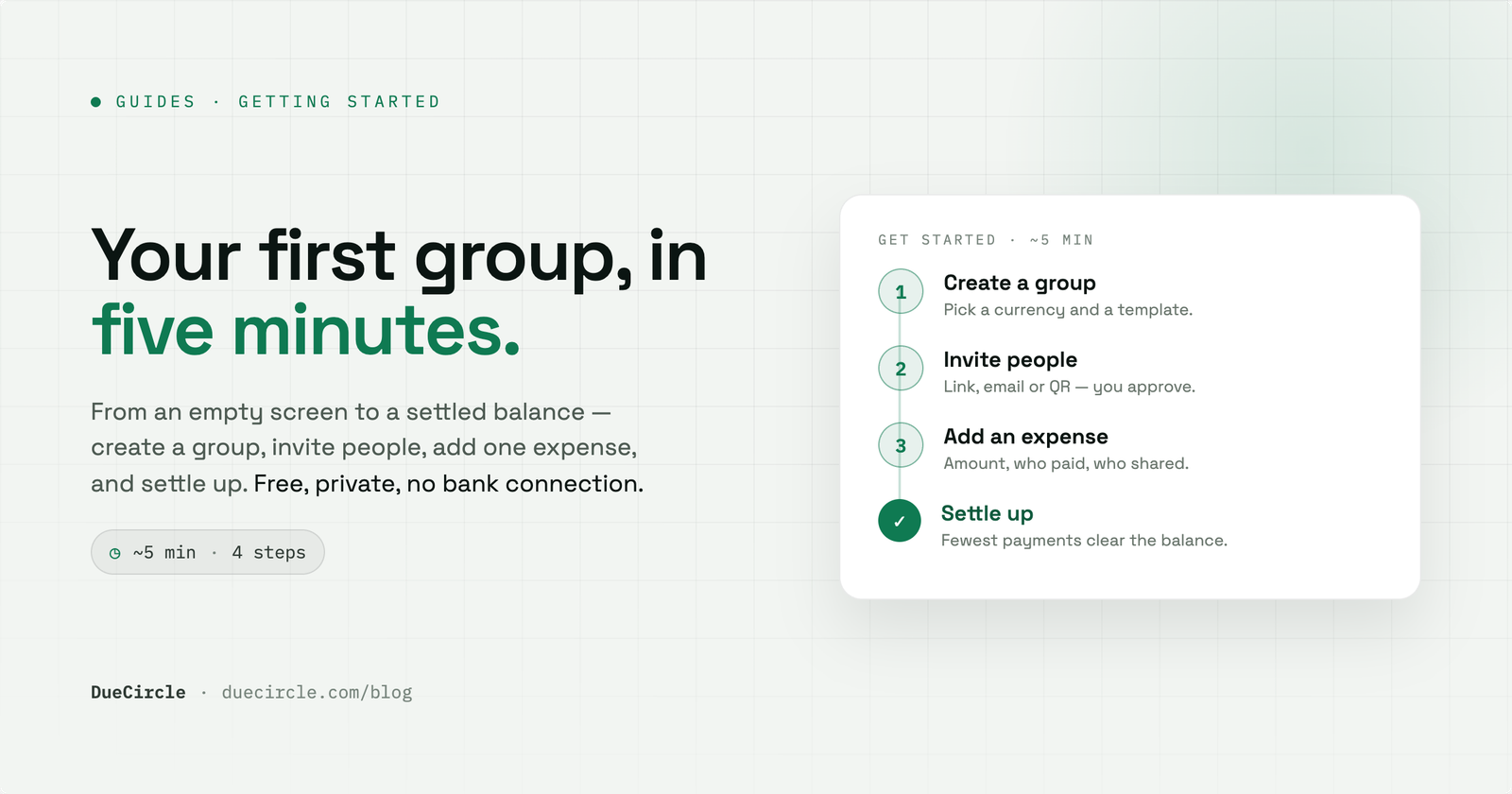
Shared money gets awkward for a simple reason: everyone remembers the parts they paid for, and nobody remembers the rest. A good app fixes that by keeping one honest record everyone can see. This guide walks you through learning how to split expenses with an app, from an empty screen to your first settled balance, in about five minutes.
DueCircle is free, private and works on your phone. There is no card to enter and no bank to connect. By the end of this you will have a group, a few people in it, one expense split fairly, and a clear picture of who owes what.
Create a group and pick a currency
Everything in DueCircle lives inside a group. A group is just the people who are sharing a particular pot of money: your flatmates, a weekend away, a couple's joint spending, or a one-off dinner. You can keep several groups running at once, and they never mix.
When you create a group you start from a template. Family, friends, trip and couple each come pre-shaped with sensible defaults, or you can build your own from scratch. The template only gives you a head start; nothing about it is fixed, and you can rename or reshape the group later.
The one setting worth a moment's thought is the default currency. Pick the currency you will actually spend in most often for this group. It becomes the currency every new expense assumes, so choosing well now saves you correcting it later.
Invite people, and how approval works
A group is more useful once the others are in it. DueCircle gives you three ways to invite, and you can mix them freely. Share a link in your existing group chat, send an email invitation, or show a QR code for someone to scan when you are together in person.
However they arrive, new members join through you. Requests to join wait for admin approval, so only the people you actually meant to add end up seeing the group's money. As the person who created the group, you are the admin by default.
People you invite are not forced to decide on the spot. Someone can accept now and start adding expenses, accept later when they have a moment, or view the group without joining to see what it is before committing. That flexibility matters when you are trying to get a whole household or friend group on board without chasing anyone.
- Share link: quickest for an existing group chat
- Email: good for people who are not in that chat
- QR code: ideal when you are all in the same room
Add your first expense and choose the split
Now the part that does the real work. Adding an expense records three things: the amount, who paid, and who shared it. Enter the total, mark yourself or someone else as the payer, and tick the members it should be divided between. If you have a receipt, you can attach it to the expense so the proof lives with the record.
After a couple of entries DueCircle starts remembering your recent categories and participants, so logging the next round of drinks or the weekly shop takes seconds rather than a fresh setup each time.
Then you choose how it splits. Equal is the common case and needs no maths from you. When life is less tidy, you can split by exact amounts, by percentage, or by shares, or exclude anyone the expense does not apply to. Whichever you pick, DueCircle checks the parts add up to the total, so a split that does not reconcile cannot be saved by mistake.
Read the balance
Every time an expense is saved, the balances update live. You never total anything by hand. The group shows, at a glance, who is owed money and who owes it, netted across everything logged so far.
This is worth understanding early because it changes how the numbers feel. DueCircle does not track each individual debt as a separate thread to be repaid one by one. It nets everyone's paying and sharing down to a single position per person, so the picture stays simple no matter how many expenses pile up.
A positive balance means the group owes you; a negative one means you owe the group. As long as everyone keeps logging, that figure stays true without anyone having to reconcile it manually.
Record a settle-up
At some point money actually moves, and DueCircle records that too. When you settle up, the app works out the fewest payments needed to clear everyone's balance, rather than making each person repay each other person separately. Fewer transfers, less faff.
DueCircle does not move any money itself, and it never connects to your bank. You make the payment however you already do, then record it in the app, ideally with proof such as a screenshot of the transfer. The balances adjust to reflect that it has been paid.
Settling up as you go, rather than letting a huge figure build over months, keeps the group honest and keeps the numbers small enough that nobody feels caught out.
A few good first-week habits
The app does the arithmetic, but a shared record is only as accurate as what people put in. A little discipline in the first week sets the tone and saves arguments later.
Three habits do most of the work. Log expenses promptly, while you still remember the amount and who was there. Attach receipts for anything larger or anything that might be queried, so the evidence sits with the entry. And agree the trickier splits out loud before you enter them, so nobody is surprised by how a shared taxi or an uneven grocery run was divided.
None of this takes long, and it is far easier than reconstructing a month of spending from memory. Once the group is in the rhythm, splitting expenses stops being a chore and simply becomes something that quietly stays correct in the background.
- Log promptly, before the details fade
- Attach receipts for anything larger or contested
- Agree uneven splits up front, not after the fact
- Settle up regularly so balances stay small
Published 18 July 2026.